Sphero indi vs Code & Go Robot Mouse for First Robots
A beginner robot comparison for families choosing between tile-based and maze-based robot play.
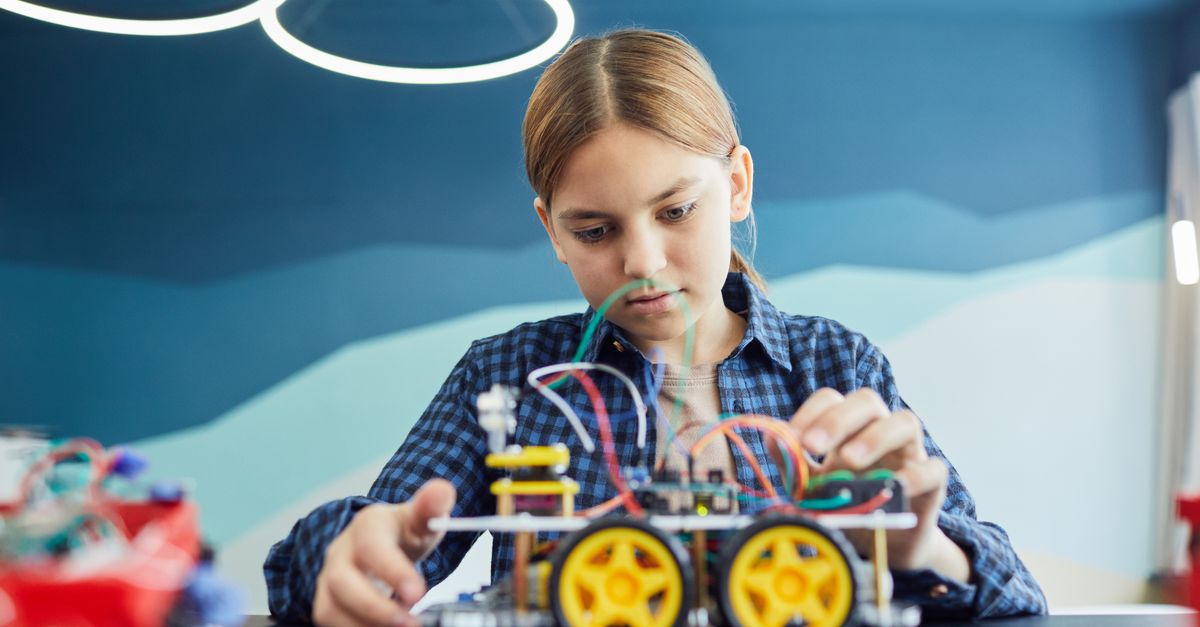
Snapshot
| Toy | Age | Price | Best for | Link |
|---|---|---|---|---|
| Sphero indi At-Home Learning Kit | 4+ | CAD $180–$240 | Screen-free robot coding with colour tiles | Check Price |
| Learning Resources Code & Go Robot Mouse | 4+ | CAD $50–$80 | Simple screen-free sequencing and robot movement | Check Price |
Affiliate links. Prices can change.
This is a two-toy comparison. The goal is not to list every nearby robot toy; it is to make the better choice between these two specific first robots.
These belong together because both are beginner-friendly robot toys that teach sequencing, cause-and-effect, direction language, and early debugging through physical play. Neither one requires a child to read code on a screen. The difference is the kind of thinking each toy rewards.
Sphero indi is a colour-tile robot. Kids build a path with coloured tiles, place the car on the floor, and watch it respond. Code & Go Robot Mouse is a command robot. Kids plan a route, press arrow buttons, and see whether the mouse reaches the target. Both can work for preschool and early-elementary kids, but they create very different first experiences.
Quick Answer
- Choose Sphero indi At-Home Learning Kit if you want the smoother first-robot experience for a younger child who learns best by seeing instant cause-and-effect.
- Choose Learning Resources Code & Go Robot Mouse if you want a cheaper, more puzzle-like robot that teaches step-by-step commands and can grow through homemade mazes.
- If your child melts down when a plan fails, Sphero indi is usually gentler. If your child likes board-game-style challenges, Robot Mouse may be the better value.
Comparison Table
| Decision point | Sphero indi At-Home Learning Kit | Learning Resources Code & Go Robot Mouse |
|---|---|---|
| Best fit | Younger beginners who benefit from visual, physical cues | Kids ready to plan a route and test commands |
| Learning style | Colour tiles tell the robot what to do | Arrow buttons build a sequence before the robot moves |
| Screen-free? | Yes | Yes |
| Parent setup | Needs floor space and tile sorting | Needs maze pieces, batteries, or DIY obstacle setup |
| Frustration level | Lower at the start because feedback is immediate | Higher if the child struggles to hold a route in mind |
| Best long-term use | Open-ended path experiments and early debugging | Repeated maze challenges and directional language practice |
| Best reason to buy | Polished first coding experience | Strong budget entry into robot sequencing |
The Two Picks
Screen-free robot coding with colour tiles
Pros
- ✓ No reading required
- ✓ Immediate robot feedback
- ✓ Strong progression from simple paths to problem solving
Cons
- ✗ Expensive
- ✗ Needs floor space
- ✗ Colour tiles can get misplaced
Simple screen-free sequencing and robot movement
Pros
- ✓ No screen required
- ✓ Clear command-and-test loop
- ✓ Affordable Botley-style entry point
Cons
- ✗ Needs batteries
- ✗ Less complete than the full activity set
- ✗ Best with added DIY paths or obstacles
What Makes These Toys Different
Sphero indi is closer to a tiny self-driving car. The child changes the road, not the robot buttons. Green, red, blue, pink, and other colour tiles create the instructions. That matters because the youngest kids do not have to translate a plan into a row of arrow commands before anything happens. They can move one tile, rerun the path, and immediately see the result.
That makes indi especially good for kids who are curious but not yet patient. A four- or five-year-old can start by making the robot move, stop, or turn. Later, the same child can build longer paths, predict what will happen, and fix mistakes. The coding idea is still there, but it is wrapped in physical experimentation.
Code & Go Robot Mouse is more like a first board-game robot. The child looks at a path, decides the moves, presses a sequence of directional buttons, and then runs the mouse. It is a stronger fit when you want the child to practise planning ahead: forward, forward, turn, forward. That is real sequencing practice, and it lines up well with the skills in beginner coding toys for ages 6 to 8.
The tradeoff is that Robot Mouse can feel less magical at first. If the command sequence is wrong, the mouse may miss the target and the child has to backtrack mentally. Some kids love that puzzle. Others need more immediate feedback before they are ready for it.
Setup and Parent Involvement
Sphero indi's biggest practical issue is space. It works best on a clear floor where the robot can follow tile paths without bumping furniture. You also have to keep the colour tiles together. If the pieces get scattered into different bins, the toy becomes harder to start and easier to ignore.
The upside is that the first session can be very quick. Put a few tiles down, start the car, watch what happens. A parent can model one change — "What if we put this tile here?" — and then step back. That makes it easier to use during a quiet weekend block or as a rotation toy in a small learning corner.
Code & Go Robot Mouse usually needs more adult scaffolding at the beginning. The child has to understand where the mouse starts, where it is trying to go, and how each button changes the route. The full activity-set version can feel more complete because it includes maze pieces and challenge cards, but this robot still works with cardboard walls, painter's tape paths, blocks, books, or a simple drawn grid.
For families comparing budget, that difference matters. Robot Mouse costs much less, and a parent can add depth with household materials. Sphero indi costs more because the physical coding system is more polished out of the box.
Which One Teaches Coding Better?
For a first robot, "better coding" does not mean syntax. It means sequencing, prediction, debugging, and confidence.
Sphero indi teaches cause-and-effect beautifully. Change the tile, change the behaviour. Kids learn that instructions can be arranged, tested, and revised. It is especially strong for pre-readers because the code is not hidden in symbols or menus. Colour becomes the language.
Robot Mouse teaches command order more explicitly. The child has to plan the sequence before the robot moves. That is closer to the logic behind later coding: the computer follows the instructions exactly, even if the human had a different plan in mind. For older kindergarten or early-grade-school kids, that can be a better bridge to screen-free coding toys and eventually app-based coding.
Neither toy is a full coding curriculum. The best use is short, repeated play: one small challenge, one test, one fix, then stop before fatigue turns the robot into a battle.
Frustration Risk
Sphero indi is the safer choice for kids who are easily discouraged. Because the feedback is immediate, they can experiment without feeling like they failed a whole puzzle. The robot's movement also feels more playful than instructional, which helps if the child resists anything that looks like school.
Robot Mouse can be more satisfying for kids who enjoy goals. Put the cheese at the end of the maze. Program the mouse. Try again. It has a clearer win condition, and that can be motivating. But if your child gets upset when a plan does not work, start with very short routes: one forward command, then two, then one turn.
A useful rule: choose indi for exploration first, Robot Mouse for challenge first.
Replay Value Over Time
Sphero indi's replay value comes from changing the environment. Kids can build roads, parking lots, pretend cities, obstacle courses, or simple delivery games. It also pairs naturally with blocks and toy animals, as long as the path stays clear.
Robot Mouse's replay value comes from new puzzles. You can create mazes with books, blocks, painter's tape, LEGO walls, or paper grids. It is not as polished as a full robotics kit, but it can last longer than expected if a parent occasionally introduces a new challenge.
If your child already likes robots, you may also want to compare this decision with first robot toys for curious kids or broader robot toys for kids. Those roundups make sense after you know whether your child prefers open-ended movement or puzzle sequencing.
Final Recommendation
Start with Sphero indi At-Home Learning Kit if the budget is comfortable and you want the best first experience for a younger beginner. It is more expensive, but the immediate colour-tile feedback makes early coding feel playful instead of abstract.
Choose Learning Resources Code & Go Robot Mouse if you want a lower-cost robot that teaches sequencing in a more direct puzzle format. It is the better value if your child likes routes, goals, and repeated challenges.
The real deciding question is not which robot is smarter. It is which kind of problem your child will willingly repeat: "What happens if I change this tile?" or "Can I get the mouse through the maze?"
Where to Go Next
FAQ
Which one is easier to start with?
Sphero indi is usually easier for the youngest beginners because kids can see the effect of each colour tile right away. Code & Go Robot Mouse is still beginner-friendly, but it asks the child to plan a short sequence before the result appears.
Which one has more long-term depth?
Sphero indi has more open-ended depth if your child likes building paths and changing the environment. Code & Go Robot Mouse has more puzzle depth if your child enjoys repeated maze challenges and directional commands.
Should I buy both?
Not at first. Buy the one that matches your child's current play style. If robot play becomes a real interest, the second toy can make sense later because it teaches the same early coding ideas in a different way.
Want better toy picks without the research rabbit hole?
Get concise recommendations by age, need, and budget.
Where to go next
By age
Best Toys for 4-Year-Olds (Learning Through Play) (2026)
Keep the recommendations age-appropriate for your kid’s stage.
By need
Gifts for Neurodivergent Kids: A Parent's Guide (2026)
Jump to picks focused on ADHD, sensory, and regulation support.
By budget
Best Gifts for Kids Under $25 (2026)
Compare strong options in lower price brackets before you buy.
Related Articles
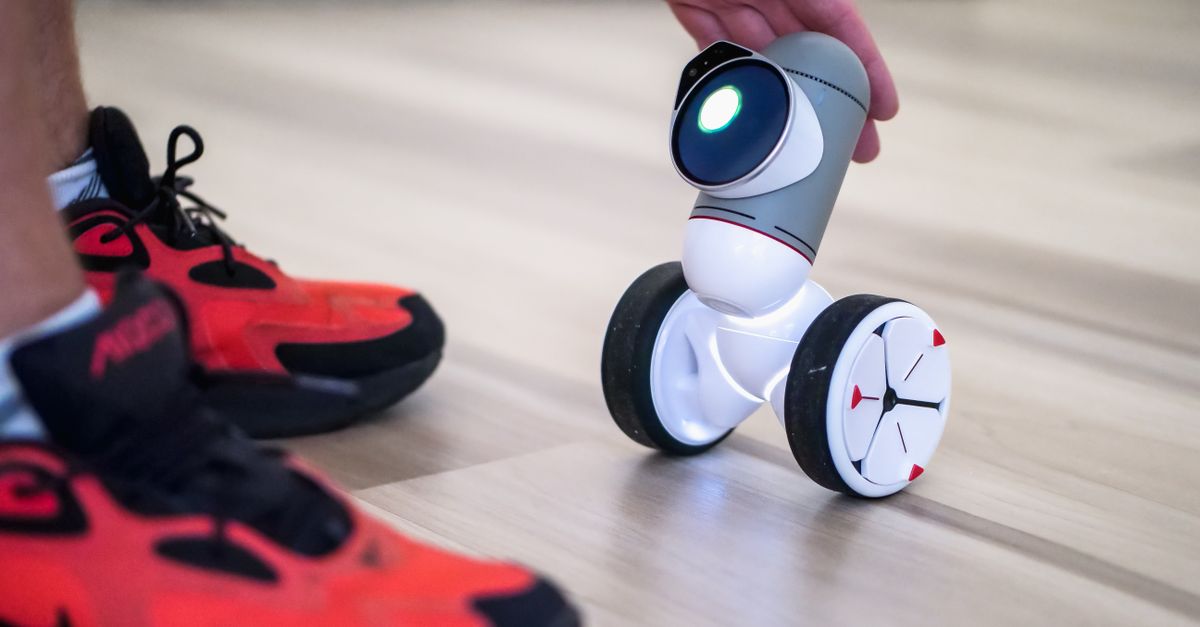
Best First Robot Toys for Curious Kids
Beginner robot toys for kids who like cause-and-effect, simple commands, and playful problem solving.
Read more →
Robot Factory vs Code & Go Robot Mouse for Younger Kids
A parent-friendly comparison between story-led robot building and simple sequencing play.
Read more →
Mech-5 vs Botley: Which Screen-Free Coding Toy Fits Better?
Compare a mechanical coding robot with a beginner-friendly programmable robot for kids.
Read more →