Robot Factory vs Code & Go Robot Mouse for Younger Kids
A parent-friendly comparison between story-led robot building and simple sequencing play.
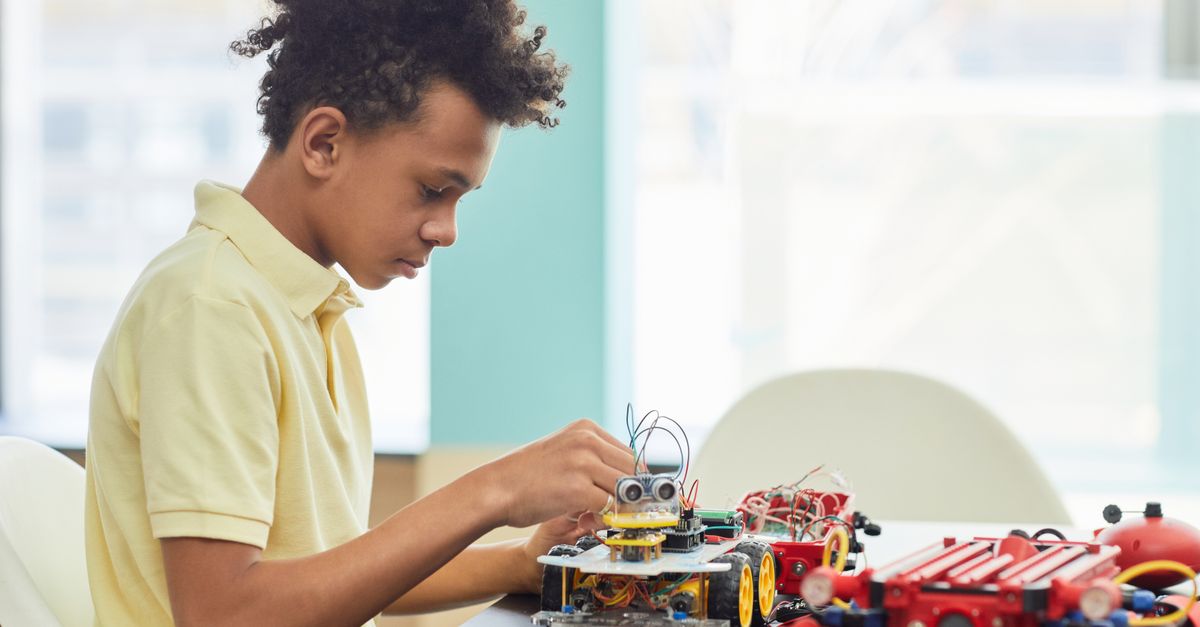
Snapshot
| Toy | Age | Price | Best for | Link |
|---|---|---|---|---|
| Thames & Kosmos Kids First Robot Factory | 5+ | CAD $40–$60 | Story-led mechanical robot building for younger STEM kids | Check Price |
| Learning Resources Code & Go Robot Mouse | 4+ | CAD $50–$80 | Simple screen-free sequencing and robot movement | Check Price |
Affiliate links. Prices can change.
For younger kids, robot toys work best when the learning loop is obvious within the first session. A five- or six-year-old does not usually need a complicated robotics platform. They need a toy that turns one small idea into something they can see, fix, and try again.
This is a two-toy comparison. The goal is not to list every nearby toy; it is to make the better choice between these two.
These belong together because both target younger children with screen-free robot-themed STEM play, but one emphasizes mechanical building and the other sequencing commands.
Quick Answer
- Choose Thames & Kosmos Kids First Robot Factory if your child likes building models, following a story manual, and seeing how simple mechanical parts create movement.
- Choose Learning Resources Code & Go Robot Mouse if your child is younger, wants faster feedback, or is ready for basic sequencing before bigger robot kits.
Comparison Table
| Decision point | Thames & Kosmos Kids First Robot Factory | Learning Resources Code & Go Robot Mouse |
|---|---|---|
| Best fit | Kindergarten to early elementary kids who enjoy building and pretend-play robots | Preschool to early elementary kids who like mazes, directions, and quick cause-and-effect |
| Learning style | Mechanical thinking, model building, spatial reasoning, following illustrated steps | Sequencing, direction words, debugging, planning a path before pressing go |
| Setup friction | Parent may need to sort parts, explain the story build, and help with the first model | Faster first session, but benefits from a simple homemade maze or obstacle course |
| Best long-term use | Rotating through builds and using the robots in pretend play | Rebuilding mazes, adding challenge cards, and asking kids to predict the route |
| Frustration risk | Higher if the child dislikes instructions or fiddly pieces | Higher if the child struggles with left/right or loses patience after one failed route |
The Two Picks
Story-led mechanical robot building for younger STEM kids
Pros
- ✓ Good younger robot alternative
- ✓ Builds several models
- ✓ Story manual reduces intimidation
Cons
- ✗ Mechanical, not programmable
- ✗ Parts need sorting
- ✗ May need adult build help
Simple screen-free sequencing and robot movement
Pros
- ✓ No screen required
- ✓ Clear command-and-test loop
- ✓ Affordable Botley-style entry point
Cons
- ✗ Needs batteries
- ✗ Less complete than the full activity set
- ✗ Best with added DIY paths or obstacles
What Makes These Toys Different
Kids First Robot Factory is a robot-building toy first. The learning value comes from assembling a model, noticing how the pieces connect, and then using that finished robot as an object for play. It is not a programmable robot, so it should not be bought as a coding toy. Its strength is more concrete: a child sees that a robot is made from parts, not magic.
That makes it useful for kids who like construction sets but are not ready for dense instruction books. The story-led manual matters because younger kids often stay with a build longer when it feels like a character or mission instead of a worksheet. A parent can sit nearby, help sort pieces into small piles, and let the child do the visible steps: snapping parts together, checking the picture, and testing the result.
Code & Go Robot Mouse is different. It is not about building the robot. It is about telling the mouse what to do before it moves. A child chooses direction commands, presses them in order, and watches whether the mouse follows the intended path. When it does not work, the mistake is usually visible: too many forwards, a wrong turn, or a route that was imagined differently than the toy actually moves.
That makes Robot Mouse a better early coding toy. It teaches sequencing without a tablet, app, or reading-heavy interface. For more options in the same lane, see best coding toys for beginners age 6 to 8 and best smart toys for kids new to coding.
First-Session Reality
With Kids First Robot Factory, the first session should be treated like a shared build. Open the kit when there is enough time to finish one model, not during a rushed after-school window. Younger kids may enjoy the idea of robots but still need an adult to organise parts, translate a step, or rescue a build that is almost right but not quite working.
That is not a flaw if you want a parent-child STEM activity. It is a problem if you need a toy that a preschooler can use independently while dinner is cooking. The best version of this toy is slow, hands-on, and a little collaborative.
Robot Mouse has a faster start. Put it on the floor or table, create a tiny goal, and ask the child to make the mouse reach it. The first win can be as simple as two forward commands. Then add one turn. Then add an obstacle. It can work well for kids who need a clear feedback loop before they are ready for more open-ended STEM toys.
The catch is that the basic mouse is more satisfying when you add structure. If you do not have the full activity set, use painter's tape, blocks, paper squares, or couch cushions to make paths. Without those little challenges, some kids will drive it around for ten minutes and be done.
Which Child Will Use Each One More?
Choose Kids First Robot Factory for the child who likes to make things with their hands. If your child enjoys LEGO, simple models, animal figures, or pretend worlds, the robot-building angle may last longer than a pure coding toy. The finished robots can become characters, which helps the kit survive beyond the first build.
It is also the better fit for a child who asks how things are made. Even if the mechanics are simple, the act of building several robot models supports spatial reasoning, patience, and the habit of checking a diagram against a real object. Those are useful STEM skills before formal robotics or coding begins.
Choose Code & Go Robot Mouse for the child who likes games with rules. It is especially good for kids who enjoy setting a challenge, trying a solution, and immediately seeing whether it worked. The learning is less about parts and more about planning ahead. That makes it a better bridge into Botley-style coding robots, board-game logic, and beginner programming concepts.
If your child gets frustrated easily, Robot Mouse may be easier to scale down. You can make the path shorter and celebrate a tiny route. Kids First Robot Factory is harder to shrink once the build is underway; if the child loses steam halfway through, the adult may end up finishing the model.
Setup, Storage, and Parent Involvement
Kids First Robot Factory has more pieces to keep together. A small bin or zip pouch helps, and it is worth separating parts before handing the kit to a younger child. If pieces scatter across the floor, the toy quickly becomes more of a cleanup problem than a learning activity.
Robot Mouse has fewer parts, but it needs batteries and enough space for routes. It also benefits from adult prompting at first: "What do you think the mouse should do first?" or "Where did the plan go wrong?" Those questions turn the toy from remote-control play into actual sequencing practice.
For families trying to keep screens out of early STEM play, both are reasonable. Robot Mouse is more directly connected to coding. Robot Factory is more connected to mechanical curiosity and hands-on construction. If screen-free coding is the priority, compare it with alternatives to Botley for beginner coding kids before deciding.
Replay Value Over Time
Kids First Robot Factory has better replay value when the child wants to revisit the models or use them in stories. It is not endlessly deep, but the multiple builds help. Rotation matters: bring it out for a focused weekend build, put it away, then reintroduce it later.
Robot Mouse has better replay value when the adult or child keeps changing the challenge. New routes, treasure targets, obstacle blocks, and "debug this route" games can stretch it. Siblings can also take turns designing a path for each other, though a child who wants a richer robot personality may outgrow the simple mouse faster.
Neither toy is the right answer for every younger kid. The better purchase is the one that matches how your child already plays: builder first, or path-planner first.
Final Recommendation
For a five- or six-year-old who loves building and can handle some adult-supported instructions, Thames & Kosmos Kids First Robot Factory is the better fit. It feels more like a real project and gives robot-curious kids something to assemble, hold, and reuse.
For a four- to six-year-old who needs a faster win, Learning Resources Code & Go Robot Mouse is the safer first coding choice. It is simpler, more immediate, and easier to turn into short practice sessions.
FAQ
Which one is easier to start with?
Learning Resources Code & Go Robot Mouse is usually easier in the first session because the child can press a few commands and see the result right away. Kids First Robot Factory is more satisfying when an adult can help with the first build.
Which one teaches coding better?
Robot Mouse teaches coding concepts more directly because it uses ordered commands, route planning, and debugging. Kids First Robot Factory supports STEM thinking, but it is mechanical building rather than programming.
Which one has more long-term depth?
Kids First Robot Factory has more depth for kids who enjoy construction and pretend play. Robot Mouse lasts longer for kids who like repeated challenges and can keep inventing new paths.
Should I buy both?
Not at first. Start with the one that fits the child now, then add the other later if the interest keeps going. A builder may eventually enjoy coding routes, and a sequencing kid may later want a more advanced robot build.
Where to Go Next
Want better toy picks without the research rabbit hole?
Get concise recommendations by age, need, and budget.
Where to go next
By age
Best Toys for 4-Year-Olds (Learning Through Play) (2026)
Keep the recommendations age-appropriate for your kid’s stage.
By need
Gifts for Neurodivergent Kids: A Parent's Guide (2026)
Jump to picks focused on ADHD, sensory, and regulation support.
By budget
Best Gifts for Kids Under $25 (2026)
Compare strong options in lower price brackets before you buy.
Related Articles
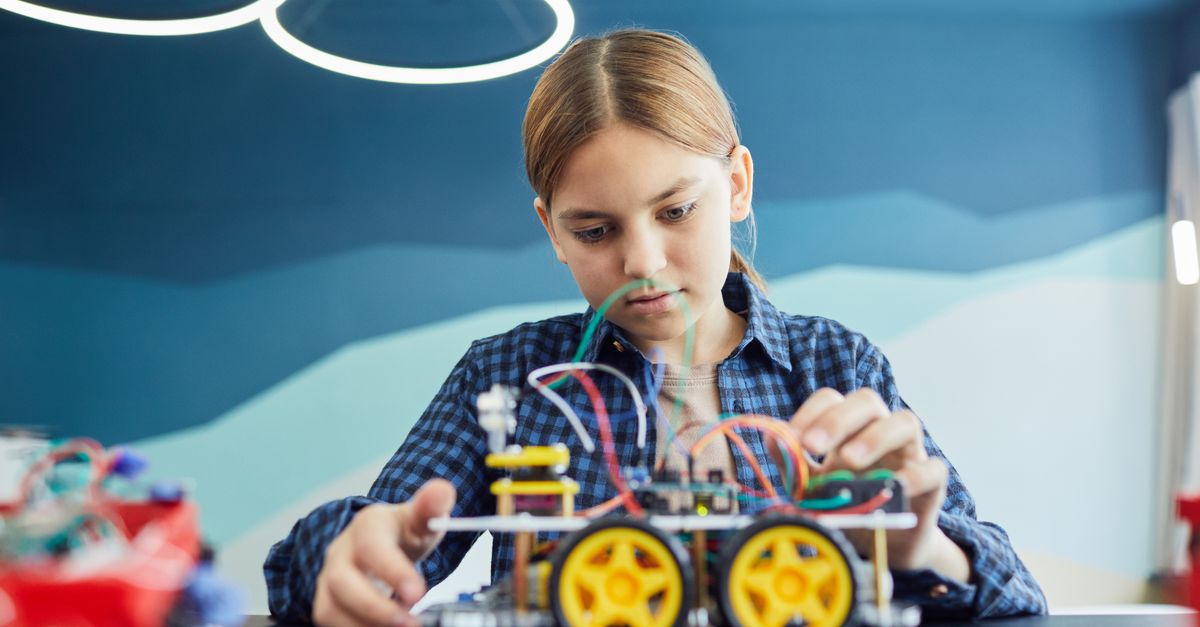
Sphero indi vs Code & Go Robot Mouse for First Robots
A beginner robot comparison for families choosing between tile-based and maze-based robot play.
Read more →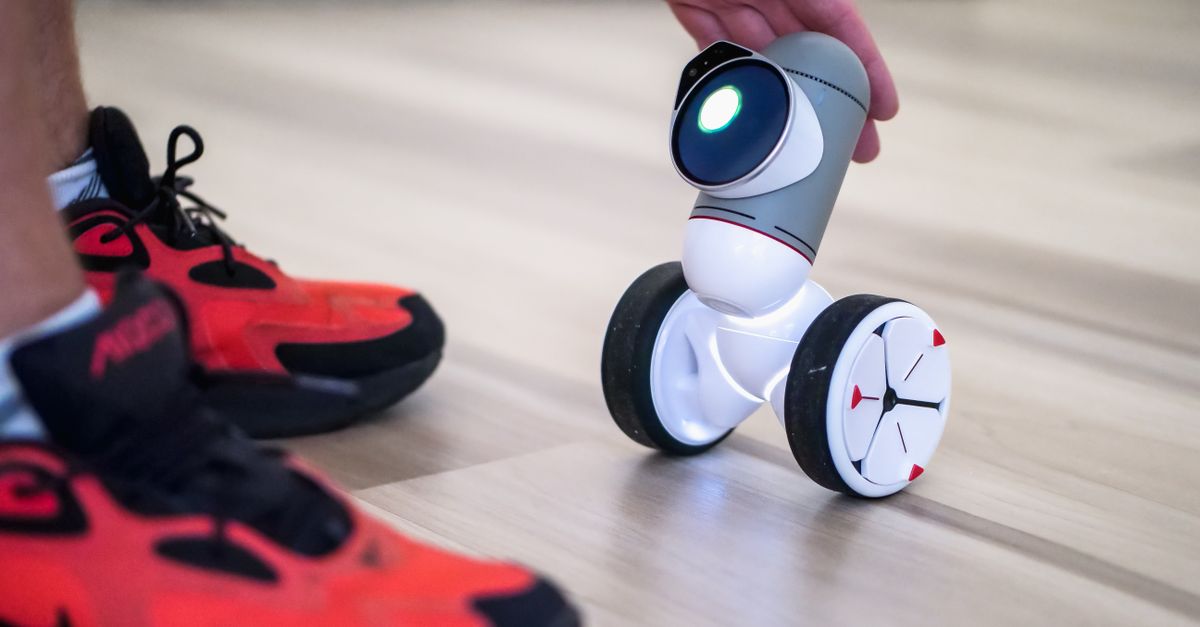
Best First Robot Toys for Curious Kids
Beginner robot toys for kids who like cause-and-effect, simple commands, and playful problem solving.
Read more →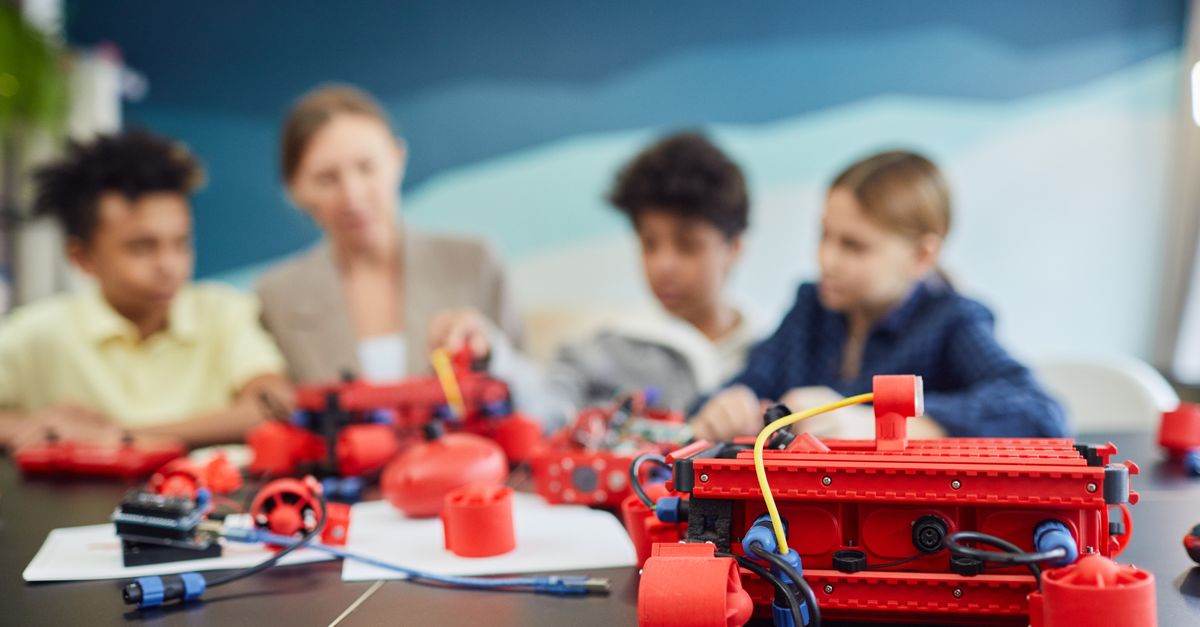
Mech-5 vs Botley: Which Screen-Free Coding Toy Fits Better?
Compare a mechanical coding robot with a beginner-friendly programmable robot for kids.
Read more →