Best Robot and AI Toys for 9-Year-Olds
Robot and AI-style toy picks for 9-year-olds who love interactive tech and problem-solving.
Snapshot
| Toy | Age | Price | Best for | Link |
|---|---|---|---|---|
| #1 Makeblock Codey Rocky | 6+ | CAD $170–$230 | Beginner robotics and block-based coding | Check Price |
| #2 Teach Tech Mech-5 Mechanical Coding Robot | 8+ | CAD $45–$70 | Screen-free mechanical coding with visible command buttons | Check Price |
| #3 Educational Insights Artie 3000 The Coding Robot | 7+ | CAD $60–$80 | Drawing-based robot coding with block and text pathways | Check Price |
| #4 National Geographic Epic Circuits Science Kit | 8+ | CAD $55–$85 | Electronics experiments without repeating Snap Circuits again | Check Price |
Affiliate links. Prices can change.
Nine-year-old robot fans usually want more than a toy that rolls forward and makes noise. They want something that reacts, can be controlled, or gives them a problem to solve. The best robot and AI-style toys for this age make the interaction feel alive while still teaching useful habits: sequencing, prediction, debugging, spatial reasoning, patience, and cause-and-effect thinking.
The hard part is avoiding novelty-only robots. A toy can look impressive in a product video and still become shelf clutter after three days if there is no next challenge. For a 9-year-old, choose the robot that matches the child’s temperament: coding depth for builders, screen-free mechanics for hands-on kids, drawing output for creative kids, and expressive companion play only when the social-emotional angle is the point.
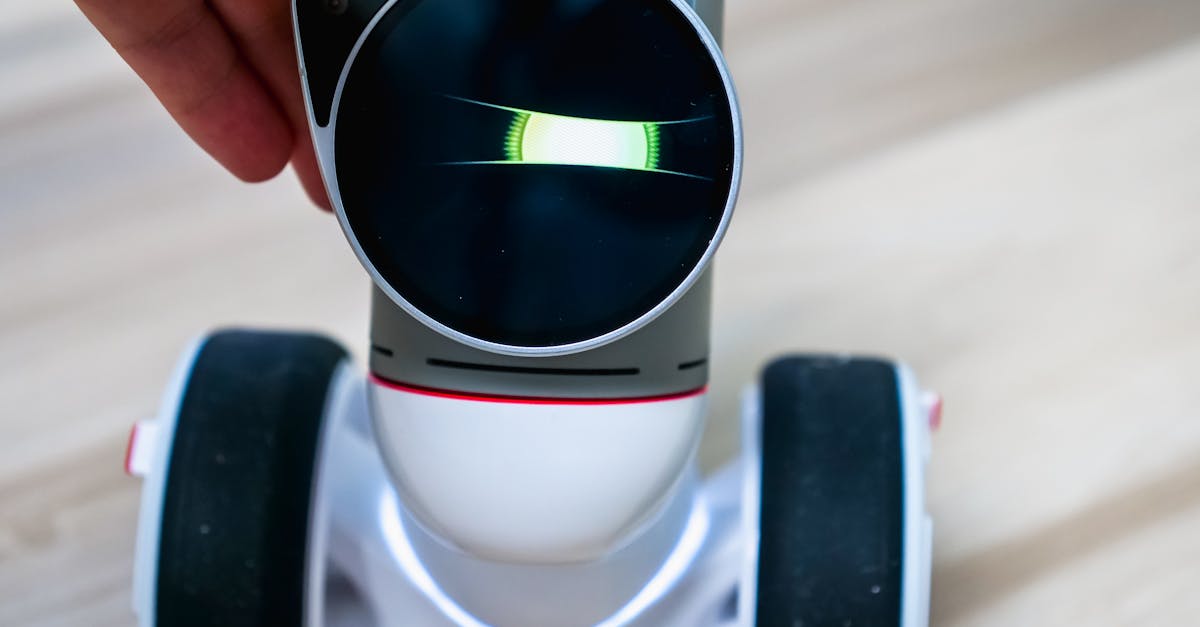
Makeblock Codey Rocky
Reliable engagement, low setup friction, and strong replay value for real family routines.
This guide focuses on robot and AI-style toys that can hold attention beyond the first demo, with enough structure for a beginner and enough depth for repeat play.
What to Look For
- A reason to revisit it. Good robot toys offer new paths, challenges, drawings, builds, or experiments after the first session.
- Clear feedback. Kids should be able to connect their command or adjustment to the robot’s behaviour.
- Manageable setup. The best toy is the one your child will actually start, not the most advanced one in theory.
- Learning that is visible. Look for movement, drawings, lights, circuits, or puzzle results that make abstract thinking concrete.
- Parent involvement that fits your home. Some toys are excellent but need a guided first session; others are better for independent reset time.
Our Top 6 Picks
Makeblock Codey Rocky
Beginner robotics and block-based coding
Pros
- ✓ Real coding pathway
- ✓ Strong classroom reputation
- ✓ Good STEM progression
Cons
- ✗ Higher price point
- ✗ Needs setup help for younger kids
- ✗ Not ideal for quick casual play
Screen-free mechanical coding with visible command buttons
Pros
- ✓ No app required
- ✓ Mechanical coding is easy to explain
- ✓ More unusual than standard coding robots
Cons
- ✗ Build setup required
- ✗ Not ideal for impatient kids
- ✗ Mechanical actions are limited
Drawing-based robot coding with block and text pathways
Pros
- ✓ Real coding payoff
- ✓ Creative drawing output
- ✓ Multiple coding modes
Cons
- ✗ Needs a device
- ✗ Older beginner fit
- ✗ Requires paper and marker setup
Electronics experiments without repeating Snap Circuits again
Pros
- ✓ Fresh circuits angle
- ✓ 40+ experiments
- ✓ Good science gift positioning
Cons
- ✗ Needs organization
- ✗ May require adult help early
- ✗ Less open-ended than LEGO-style builds
ThinkFun Laser Maze
Light-bending logic and spatial reasoning puzzles
Pros
- ✓ Distinct science hook
- ✓ Compact challenge cards
- ✓ Strong older-kid puzzle value
Cons
- ✗ Button batteries
- ✗ Mostly solo play
- ✗ Too hard for younger beginners
Expressive interactive robot play and social-emotional engagement
Pros
- ✓ High engagement factor
- ✓ Expressive reactions
- ✓ Strong novelty for smart-toy category
Cons
- ✗ Expensive for a companion toy
- ✗ Lower direct coding depth
- ✗ Can become novelty-only for some kids
Robot Toy vs AI-Style Companion: Which Fits Better?
For most 9-year-olds, a coding robot is the safer first buy because it gives the child more control. They can set a route, change a command, build a sequence, or try to make the robot complete a task. That creates replay value because the child is not just watching the toy perform; they are shaping what it does.
AI-style companion toys are different. They can be engaging because they react expressively, but the learning value depends on what your child does with that interaction. If the toy mostly becomes a funny desk buddy, that can still be worthwhile for a kid who enjoys character play or needs a low-pressure transition object. It is just not the same as a robot that builds coding fluency.
A practical rule: choose a coding robot if you want STEM progression. Choose an expressive companion if you want novelty, interaction, and social-emotional engagement. Choose a logic or circuits toy if your child likes robot-adjacent problem solving but gets frustrated by apps.
Why These Picks Made the List
Makeblock Codey Rocky
Makeblock Codey Rocky is the strongest all-around choice for a 9-year-old who is ready to move from toy-level robotics toward real coding concepts. It has enough structure for beginners and enough runway for a child who starts asking, "What else can I make it do?"
The main downside is cost. It also works best when an adult helps with the first setup and shows the child how to test small changes instead of trying to master everything at once.
Teach Tech Mech-5 Mechanical Coding Robot
Teach Tech Mech-5 is a good fit for a hands-on 9-year-old who likes visible mechanisms. Because the coding is mechanical, the child can see the logic in a physical way rather than treating the robot as app magic.
It is not the fastest toy to start. The build process is part of the value, but that also means it can frustrate a child who wants immediate movement. Buy it for a tinkerer, not for a kid who needs instant plug-and-play entertainment.
Educational Insights Artie 3000 The Coding Robot
Artie 3000 stands out because the output is creative. A child writes or arranges commands, then sees the result as a drawing. That makes debugging feel less abstract: if the picture is off, the child has a reason to adjust the code.
It does need a device, paper, markers, and a little setup space. It is better as a kitchen-table STEM activity than a quick car-trip toy.
National Geographic Epic Circuits Science Kit
This is not a traditional robot, but it belongs in the robot-and-AI conversation because many robot-loving kids also enjoy electronics. Circuits teach the hidden side of robotics: power, connections, components, and the habit of changing one variable at a time.
Choose it if your child likes experiments and can keep pieces organized. If scattered parts are a recurring problem at home, set it up in a tray or storage bin from day one.
ThinkFun Laser Maze
Laser Maze offers smart, physical feedback without robot setup. A 9-year-old has to reason about angles, paths, and cause-and-effect, then gets immediate confirmation when the light lands correctly.
It is mostly a quiet solo puzzle. That makes it useful for focus breaks, but less ideal if you are trying to find a shared sibling robot toy.
Eilik Interactive Robot Companion
Eilik is here for the child who wants a robot with personality. It can be much more emotionally engaging than a standard coding kit, especially for kids who enjoy expressive characters and desk companions.
The caution is learning depth. It is expensive if your goal is coding progression. Treat it as an interactive companion first and a STEM toy second.
Want better toy picks without the research rabbit hole?
Short, practical recommendations by age, need, and budget.
Practical Setup Tips
1) Create a first mission
Instead of saying "go play with the robot," give one clear mission: make it reach the couch, draw a square, complete one challenge card, or react to one obstacle. Specific missions reduce wandering and frustration.
2) Keep troubleshooting calm
Robotics includes failure. The useful phrase is: "Something in the sequence is different from what we expected." That keeps the child in problem-solving mode instead of turning a wrong command into a personal failure.
3) Use a tray or mat
Small robot parts, circuit pieces, and cards are easier to manage when the play area has a boundary. This also makes cleanup more realistic.
4) Rotate robot and non-robot STEM days
If the robot becomes too stimulating, alternate with Laser Maze, circuits, or another quiet logic toy. The same problem-solving muscles still get used.
FAQ
Are robot toys actually educational for 9-year-olds?
They can be, but only when the child controls or modifies what happens. The strongest educational value comes from sequencing, coding, testing, building, and debugging, not from passive robot reactions.
Is an AI companion toy better than a coding robot?
Not usually for STEM learning. An AI-style companion can be more engaging emotionally, while a coding robot usually offers clearer skill progression. The better choice depends on whether you want interaction or problem-solving depth.
What if my child only plays with the robot once?
Restart with a tiny mission. Many robot toys fail because the second session is too vague. Try one route, one drawing, one obstacle course, or one challenge card instead of open-ended "robot time."
Related reads
- AI Toys for Kids
- Best AI Toys for Kids Who Love Robots
- Best Robot Toys for Kids
- Best First Robot Toys for Curious Kids
- Sphero Indi vs Code & Go Robot Mouse for First Robots
If You Can Only Buy One
Makeblock Codey Rocky.
It gives the best balance of robot appeal, coding progression, and repeatable challenge for most 9-year-olds who want a smart toy with substance.
Want better toy picks without the research rabbit hole?
Get concise recommendations by age, need, and budget.
Where to go next
By age
Best Homework Break Toys for 9-Year-Olds
Keep the recommendations age-appropriate for your kid’s stage.
By need
Gifts for Neurodivergent Kids: A Parent's Guide (2026)
Jump to picks focused on ADHD, sensory, and regulation support.
By budget
Best Gifts for Kids Under $25 (2026)
Compare strong options in lower price brackets before you buy.
Related Articles
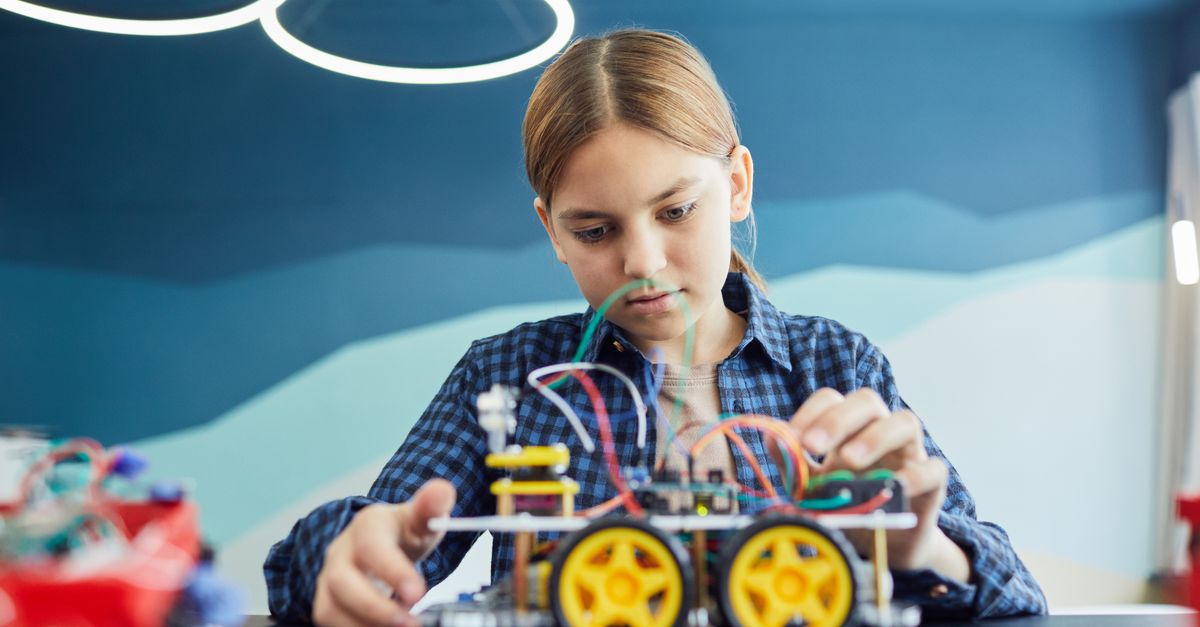
Sphero indi vs Code & Go Robot Mouse for First Robots
A beginner robot comparison for families choosing between tile-based and maze-based robot play.
Read more →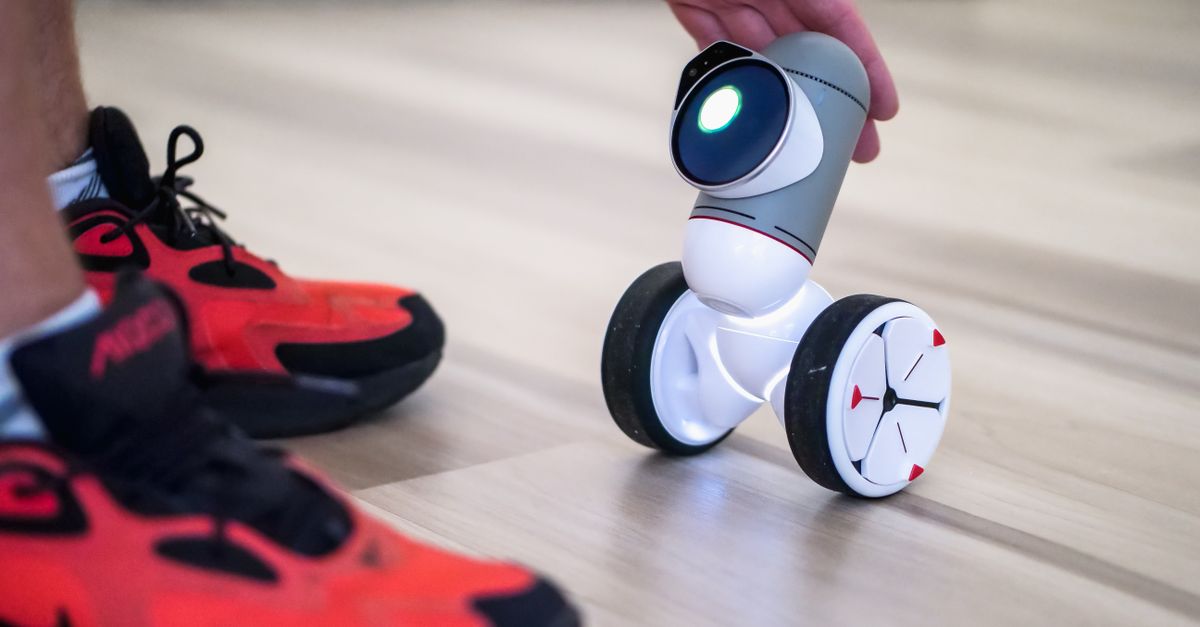
Best First Robot Toys for Curious Kids
Beginner robot toys for kids who like cause-and-effect, simple commands, and playful problem solving.
Read more →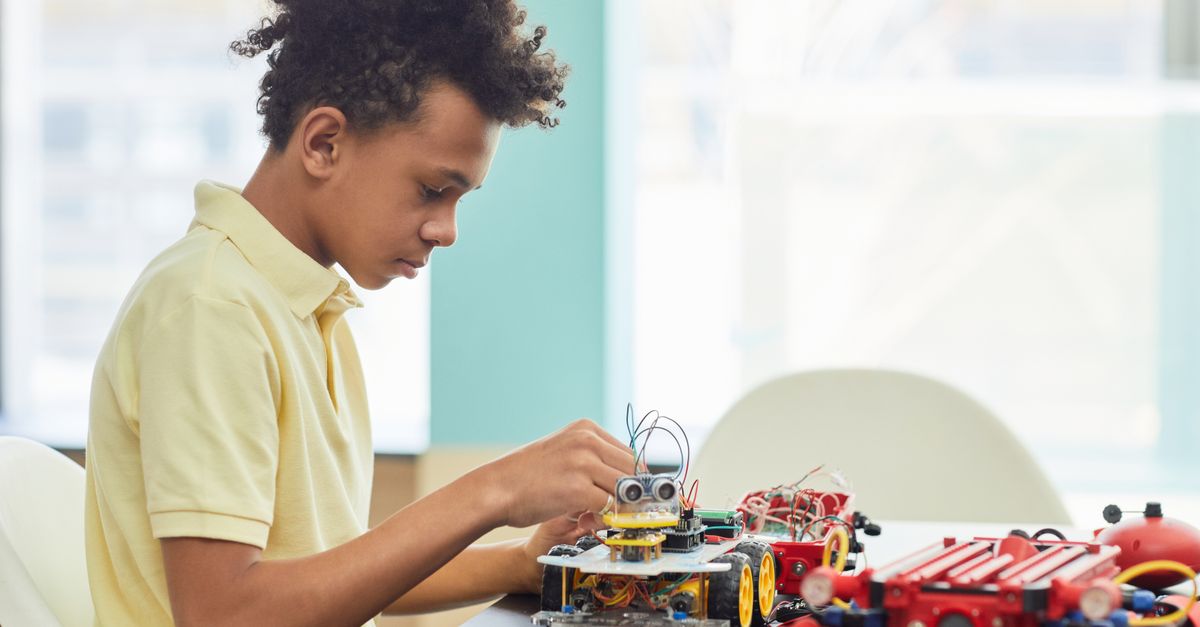
Robot Factory vs Code & Go Robot Mouse for Younger Kids
A parent-friendly comparison between story-led robot building and simple sequencing play.
Read more →